


I’m excited to announce that I’ll be speaking at Workplace Ninja India 2026 this year. I’m not giving one session, but two sessions! This is my first time in India, so i’m looking forward to see all the attendees and hopefully to see something of India.
Event Details
Event: Workplace Ninja India 2026
Date: November 27 - 28, 2026
Location: Radisson Blu Plaza Delhi Airport, ,Delhi, India
Session time:
Website: https://www.wpninjas-india.com/
Registration: https://konfhub.com/workplace-ninjas-india-2026
About the Event
Workplace Ninjas India 2026 is the community’s first flagship conference in India, bringing together IT professionals, architects, and security leaders around the Microsoft Modern Workplace.
As part of the global Workplace Ninja community, the event bridges global expertise with local enterprise needs, with deep-dive sessions across endpoint management, security, identity, and AI.
Taking place November 27–28 in New Delhi, it’s a chance to connect with India’s growing IT community and share practical, real-world knowledge.
My Sessions
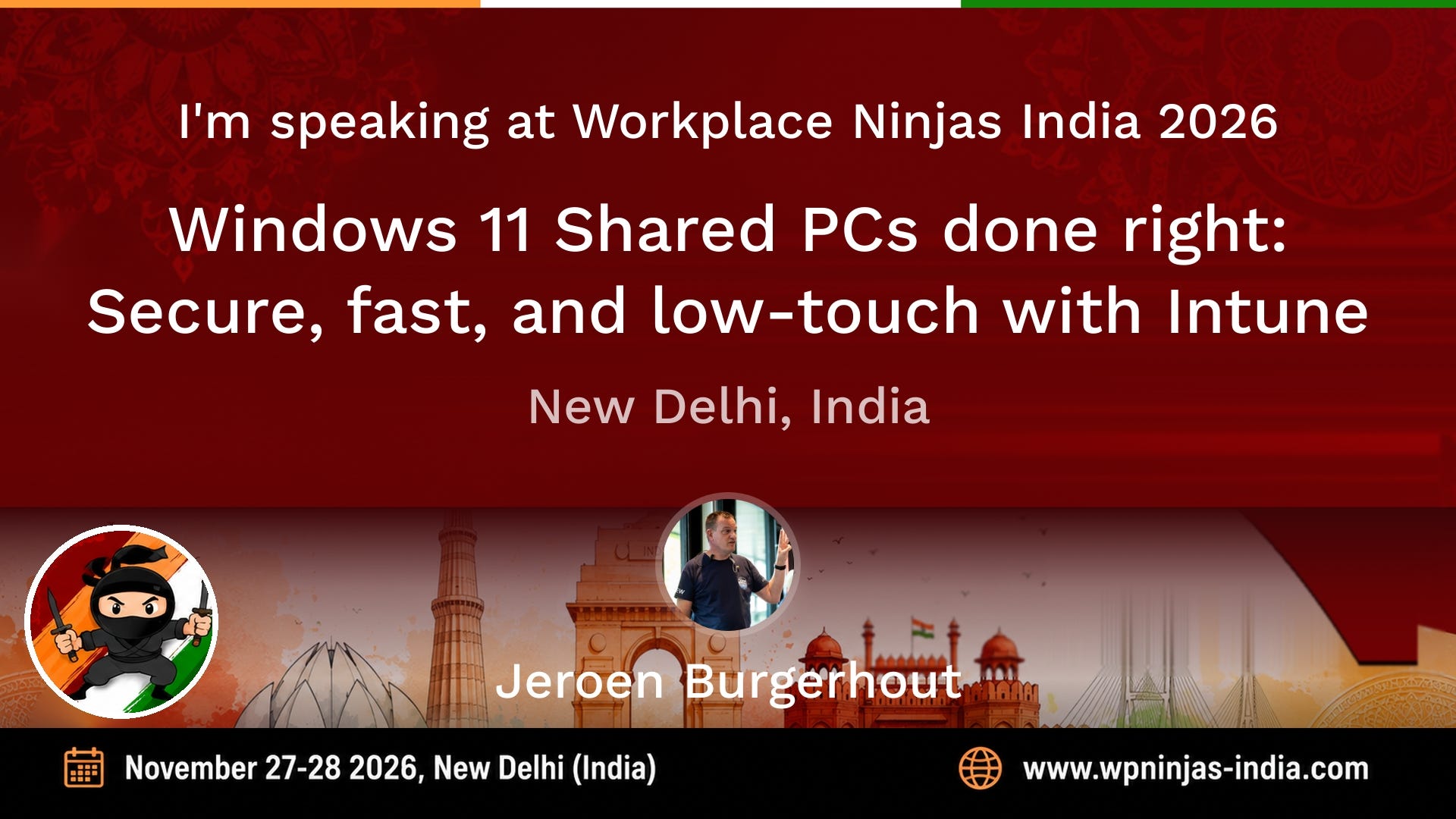
Windows 11 Shared PCs done right: Secure, fast, and low-touch with Microsoft Intune
Build a practical Windows 11 Shared PC baseline with Intune covering sign-in, apps, updates, security, and real-world troubleshooting, so shared devices stay fast, compliant, and easy to run.
Shared Windows PCs are everywhere: frontline devices, training rooms, labs, meeting spaces, call centers, and kiosk-style scenarios. But without the right configuration they quickly become slow, messy, and hard to secure especially with multiple users, shifting shifts, and limited local IT access.
In this session you’ll learn how to design and implement a Windows 11 Shared PC configuration using Microsoft Intune. We’ll translate the “Shared PC” concept into a reusable blueprint: identity choices (local vs Entra sign-in), account management, storage cleanup, app delivery (Win32/MSIX/Store), policy essentials, update strategy, and security hardening without ruining the user experience.
Expect a practical walkthrough with real-world do’s and don’ts, plus troubleshooting patterns for the issues you only see in shared environments (stale profiles, disk bloat, sign-in loops, OneDrive/Teams behavior, and mis-scoped policies).
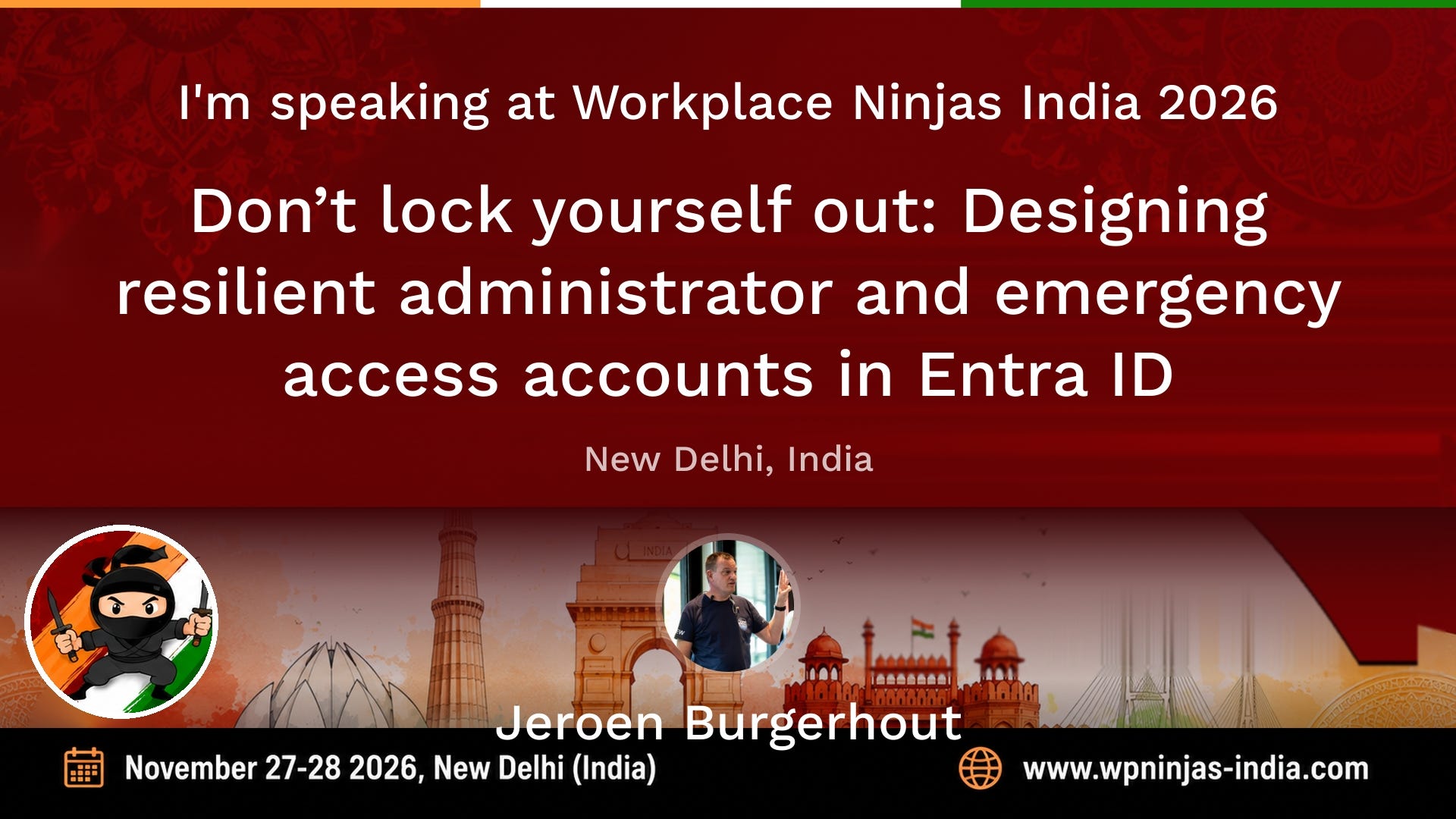
Don’t lock yourself out: Designing resilient administrator and emergency access accounts in Entra ID
Misconfigured administrator accounts are still one of the most common causes of security incidents and operational lockouts in Microsoft Entra ID environments. Using everyday user accounts with elevated permissions, relying solely on federated identities, or not having a properly configured emergency access account can leave organizations unable to respond when something goes wrong.
In this session we focus on designing a resilient administrator account strategy that balances security, operational continuity, and real-world usability. We will look at why dedicated admin identities are essential, how to separate synced and cloud-only accounts, and how to design emergency access (“break glass”) accounts that remain available when everything else fails.
Using practical examples, we explore scenarios such as MFA outages, identity provider failures, Conditional Access misconfigurations, lost devices, and situations where the last Global Administrator becomes unavailable. You will learn how to create emergency access accounts that are protected, monitored, and ready when needed without weakening your security posture.
We also cover practical implementation guidance including credential protection strategies such as FIDO2 keys, monitoring sign-in activity, alerting on usage of emergency accounts, and common pitfalls seen in real environments.
The goal of this session is to help you design an administrator account model that prevents lockouts while maintaining strong security controls across Microsoft Entra ID.
Based on real-world lessons learned, this session provides actionable guidance that can be implemented immediately.
Session Resources
Slides
will follow after the summit
Let’s Connect
If you’re attending Workplace Ninja India 2026, feel free to say hi before or after the session. Always happy to talk about Intune, security, Windows 11, or Modern Workplace challenges.