


When you read the title like this, you think "That could be pretty handy!". So that's why I put it in writing.
I had this a recent customer, where I migrated them from an on-prem RDS farm to Azure Virtual Desktop.
Why would you choose to change the current url of Azure Virtual Desktop (https://client.wvd.microsoft.com/arm/webclient/) to something else?
It's a pretty long url. It is difficult to pass it on to an end user
🤔
Andddd I can't think of anything else for now.
So, what I want to achieve is to get that long url to a shortened url, e.g. avd.domain.tld. This can be done, with the help of Azure, in 2 ways.
A Static Web App
A Function App
Now my Function App is broken. That's because Microsoft made a change to it and I haven't had time to figure this out yet. But the customer wants to move on.
So, in this blog post, I'm going to focus on how to use a Static Web App.
First of all, you need a GitHub account and repo for the "website". You can copy/fork my "website" from my GitHub account 👇.
scripts/avd-url-redirect at main · BurgerhoutJ/scripts
What we need:
Azure subscription
GitHub account and repo for the "website"
Static Web App
Access to the DNS service
Let's get to work.
Log in to https://portal.azure.com
Click on Create a resource
Search for Static Web App and click on Create
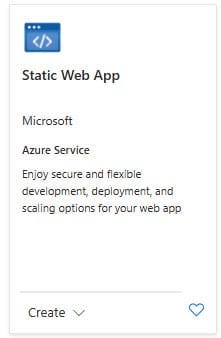
Choose as Deployment Source for GitHub
Connect your GitHub account
Choose the repository
Choose the branch
At App location field, fill in "/" as root or in my case "/avd-url-redirect" as rootmap of the "app"
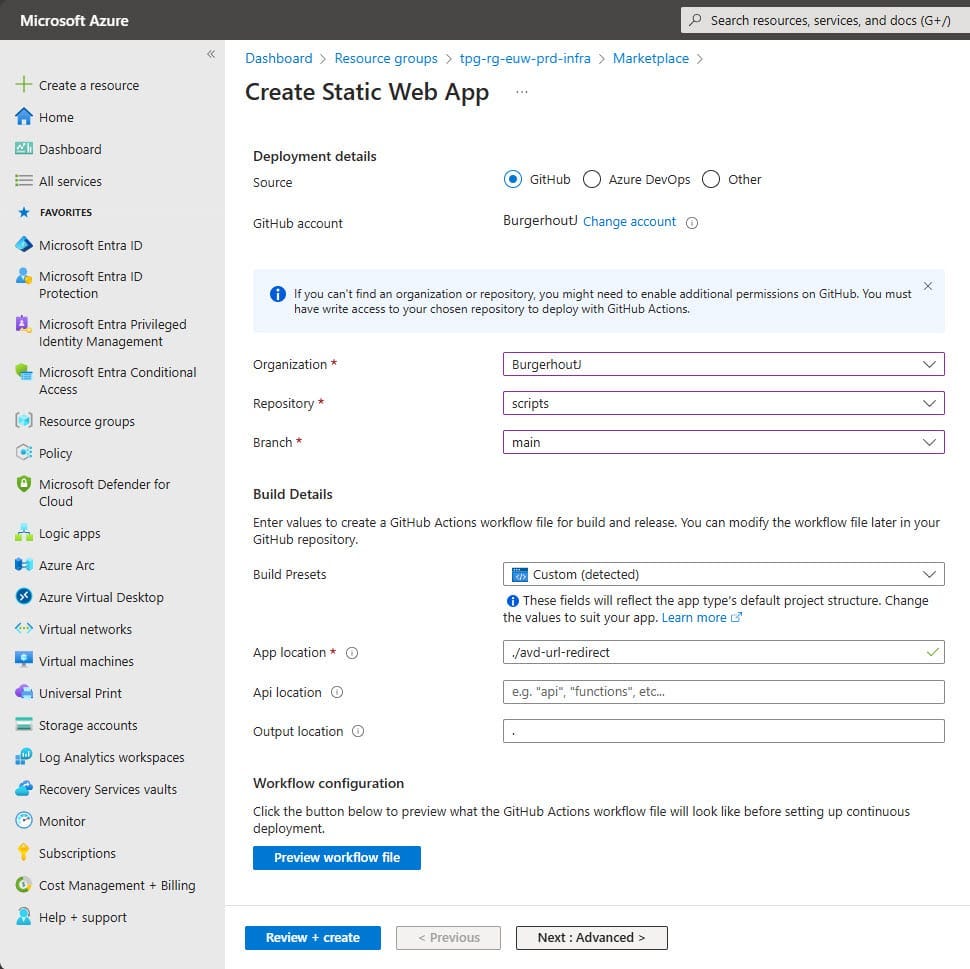
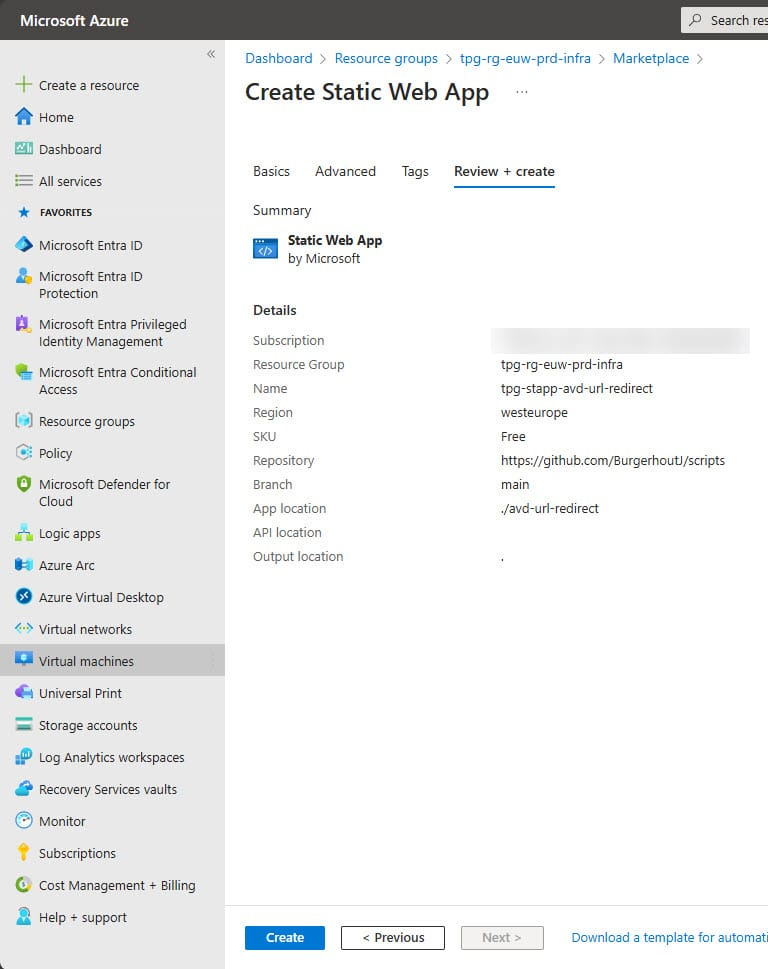
Click on Review + create
Click on Create and the web app will be configured
After the Static Web App has been built, you will see a overview like the below image.
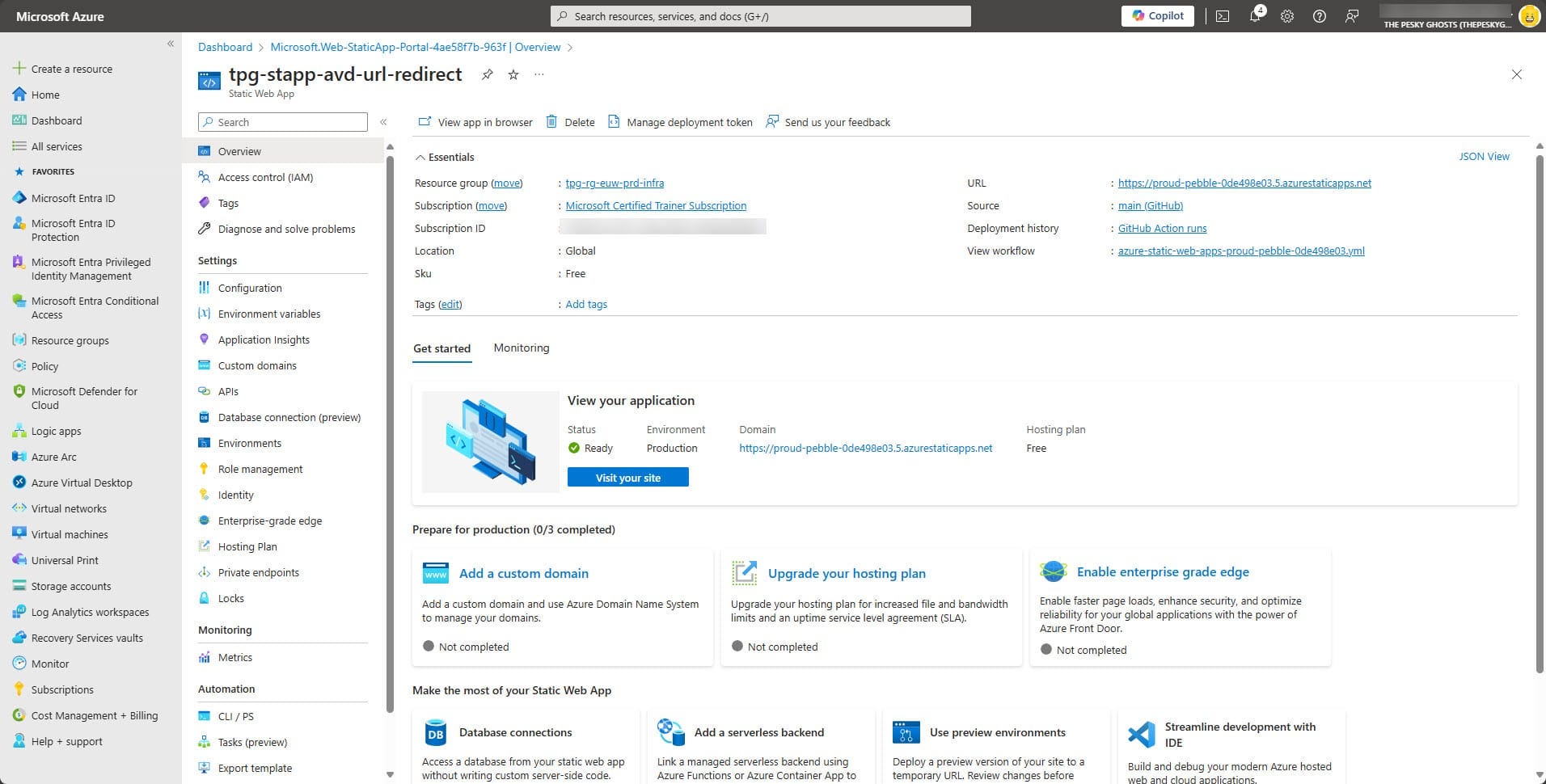
You can open the "website" by clicking on the url in the top right of this overview blade.
Now we need to add a custom domain to this Static Web App.
13. Click on Add a custom domain
14. Click at Custom domain on Azure DNS or Custom domain on other DNS. I have an other DNS provider, so I choosed the 2nd option.
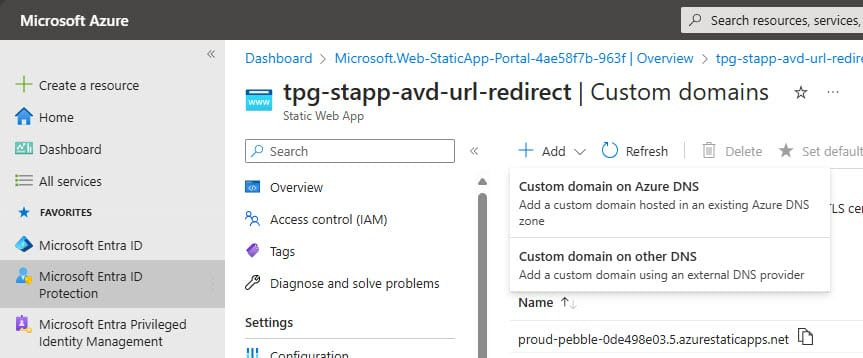
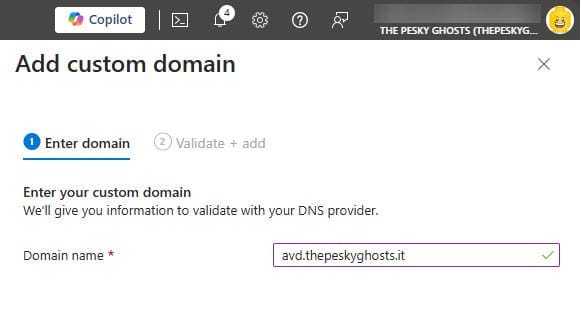
Fill in your custom domain name and click on Next
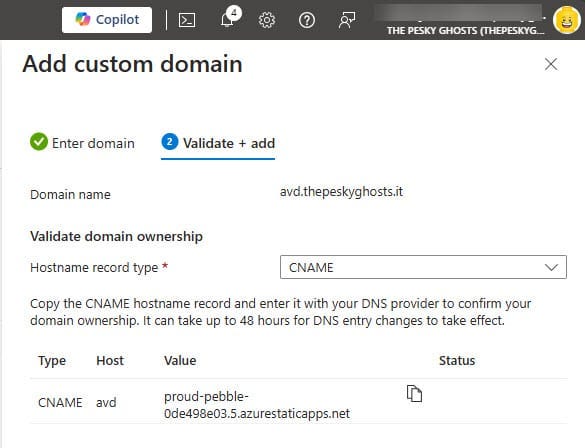
Choose for CNAME
Copy the displayed DNS record in to your DNS service.
Click on Add
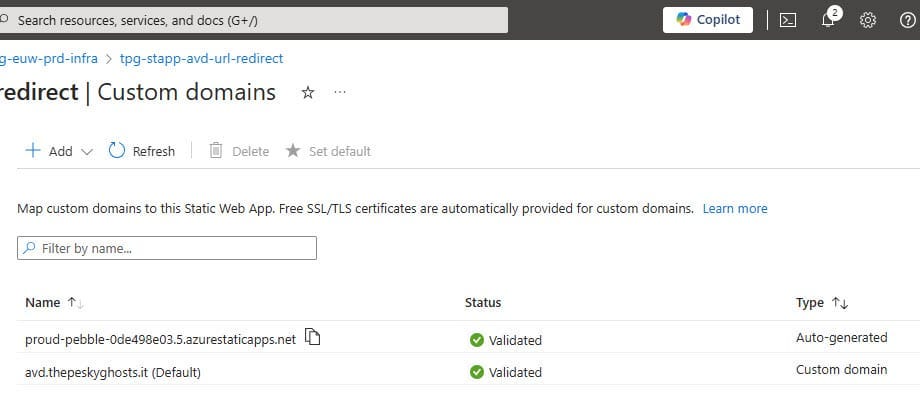
Your custom domain is added to the Static Web App.
From now on, you can reach your Azure Virtual Desktop environment via your custom, company branded, url.
That is it for now. Until next time. 👋 🍻